Getting started
- 1
Create your account
Sign up with a name, phone number, email, and password. You'll also pick a plan — Solo or Together. Every plan starts with a free 14-day trial and needs no payment info up front, so it's the easiest way to try things out. See Plans & billing for what each tier includes.
- 2
You're already your first contact
The phone number you signed up with is automatically added as your first contact — there's nothing extra to set up before sending yourself a reminder.
- 3
Verify your number
Every phone number on your account — including your own — shows an Unverified badge until it's verified. Click that badge anywhere in the app to open the verification dialog:
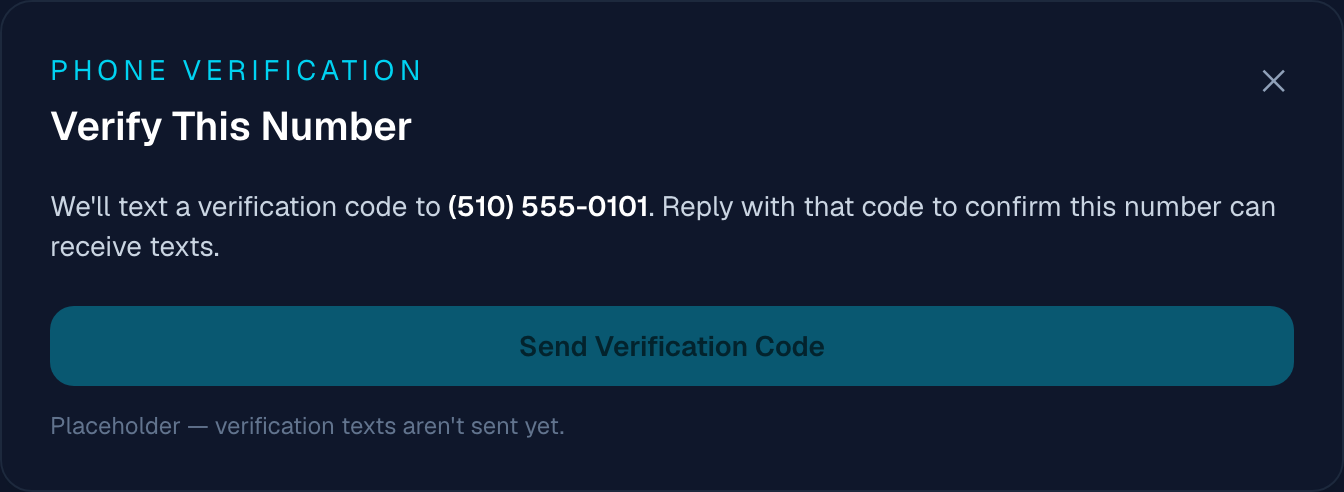
Clicking an Unverified badge anywhere in the app opens this dialog. Heads up: phone verification is a placeholder right now — the "Send Verification Code" button is intentionally disabled, and no code is actually sent. See Troubleshooting for the full list of what's still a placeholder.
- 4
Create your first message
From the dashboard, click + New Message — see Creating messages for the full walkthrough.
Found a bug, or something not working as described?
textmetoo is in early access — tell us what happened and we'll get on it.